Does Windows' Oldest Backup Still Hold Up? System Image vs. Modern Backup Tools
See if Windows' oldest backup — System Image/Backup and Restore — still competes with File History and cloud backup for reliability and easy restores.
Page views: 2
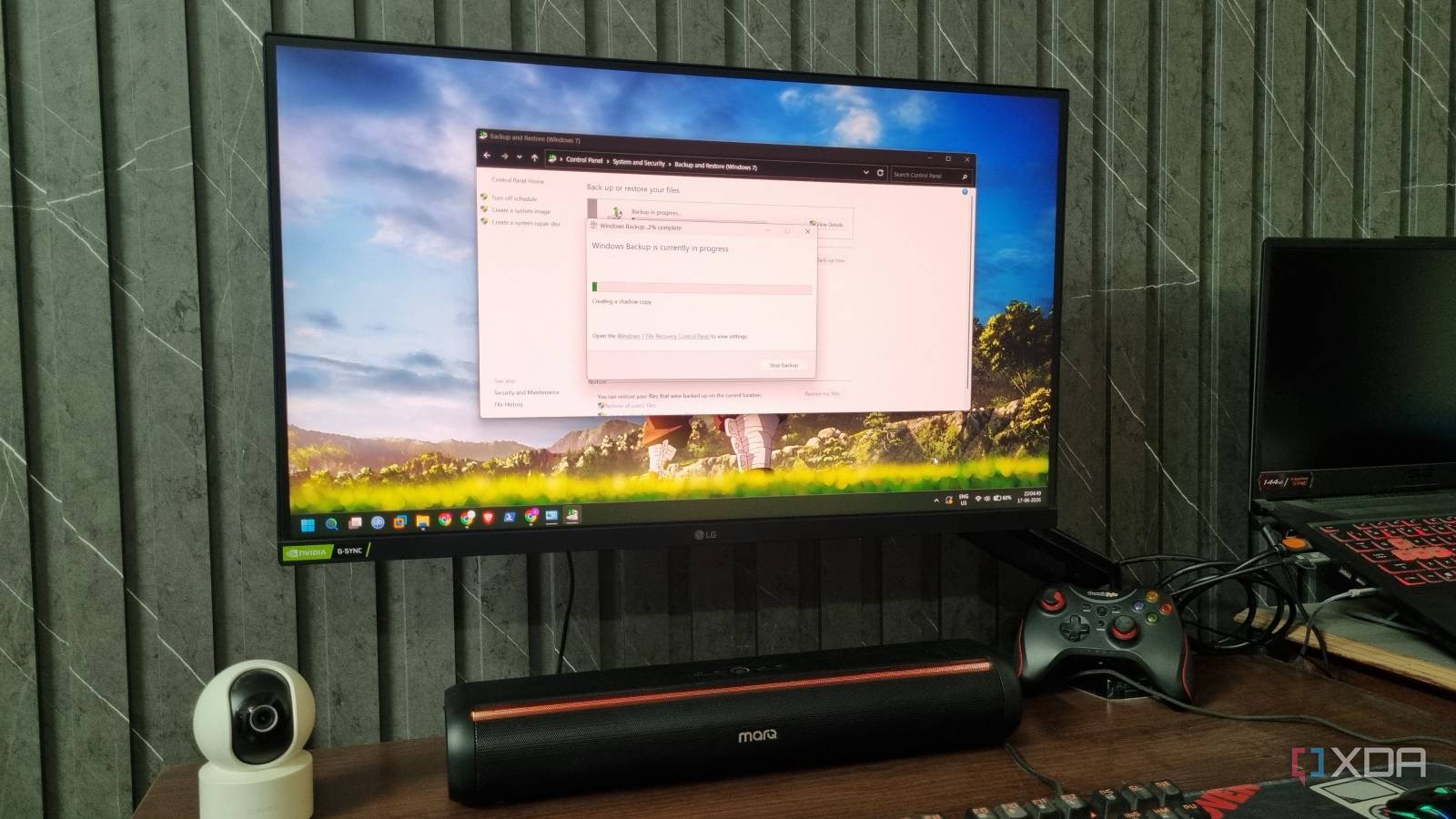
Diving into the depths of Windows' backup tools, one might wonder if the oldest method still holds its ground. The legacy System Image (Backup and Restore) has been around for years, offering a full image of your system drive. That means operating system, settings, programs, and files are captured in one snapshot — ideal for complete recoveries after a hard drive failure.
But is a full image backup still the best choice in an era of File History, cloud backup, and incremental snapshots? The answer depends on your needs. System Image backups are reliable for bare-metal restores and can get a PC back to exactly how it was. They are, however, bulky and time-consuming. Image backups consume large local storage and take longer to create compared with incremental backups or File History.
File History and Windows’ built-in tools focus on file-level protection. File History and OneDrive excel at continuous protection of documents and photos with smaller storage overhead and quicker restores. Modern cloud backup services add off-site redundancy, automated schedules, and versioning — improving reliability and protecting against local disasters like fire or theft.
For many users, a hybrid approach works best: use System Image backups sparingly for complete system recovery (for example before major upgrades), and rely on File History or cloud backup for daily file protection. Combine that with restore points and regular Windows updates to reduce the chance of a catastrophic failure.
When choosing a Windows backup strategy, consider restore speed, storage cost, and ease of use. Image backups win on completeness but lose on flexibility. Incremental and differential backups reduce time and space but require careful management of backup sets. Cloud backup offers peace of mind and off-site redundancy, though it depends on network speed and subscription cost.
In short, Windows’ oldest backup method still holds value — especially for full-system recovery — but it’s rarely sufficient as a standalone solution today. Pair legacy System Image backups with modern file-level and cloud backup tools for the best combination of reliability, convenience, and fast restore. That balanced strategy keeps your Windows data safe while leveraging both old-school robustness and modern efficiency.
Published on: June 26, 2026, 6:11 am